
The majority of issues with vacation rentals begin in the same way: you assume everything is fine, neglect the tour, and discover the missing bath towels or broken dishwasher when it’s too late to fix it. You have the first half hour after arrival to identify problems, test systems, and record conditions while you still have time to solve them. We’re breaking down the precise checklist that prevents minor issues from turning into trip-ending catastrophes so you can enjoy the property during your vacation rather than arguing with your host about who broke what.
- To prevent lockout delays, test your smart lock and entry code within the first five minutes.
- To safeguard your security deposit, take timestamped pictures of any pre-existing damage.
- Check the hot water, AC, and Wi-Fi systems right away so hosts can quickly resolve any problems.
- Before you unpack or settle in, go over the house rules and make a 24/7 support contact.
Locate and Test Your Entry Access
Spend a minute going over your admission process from beginning to end before you unpack your bags or assemble your group. Fumbling with access codes or locating the incorrect entry is the most frequent arrival problem, which can be easily prevented with a little test run.
Three days before your arrival, you can get your check-in instructions. As soon as you park, pull them up and go over the precise entry procedure. The majority of Grenada vacation rentals have smart locks with numerical codes. Any unique instructions, such as “use the side door,” should be noted.
After reading the instructions, test the access method as soon as possible while the details are still new. Make sure you are at the correct door before gently entering the code. Before everyone begins carrying their bags, have one person successfully enter and unlock from the inside if you’re traveling in a group. You’ll have time to get in touch with assistance if something doesn’t work before you’re standing outside carrying groceries in your arms.
Check Every Safety Feature and Equipment
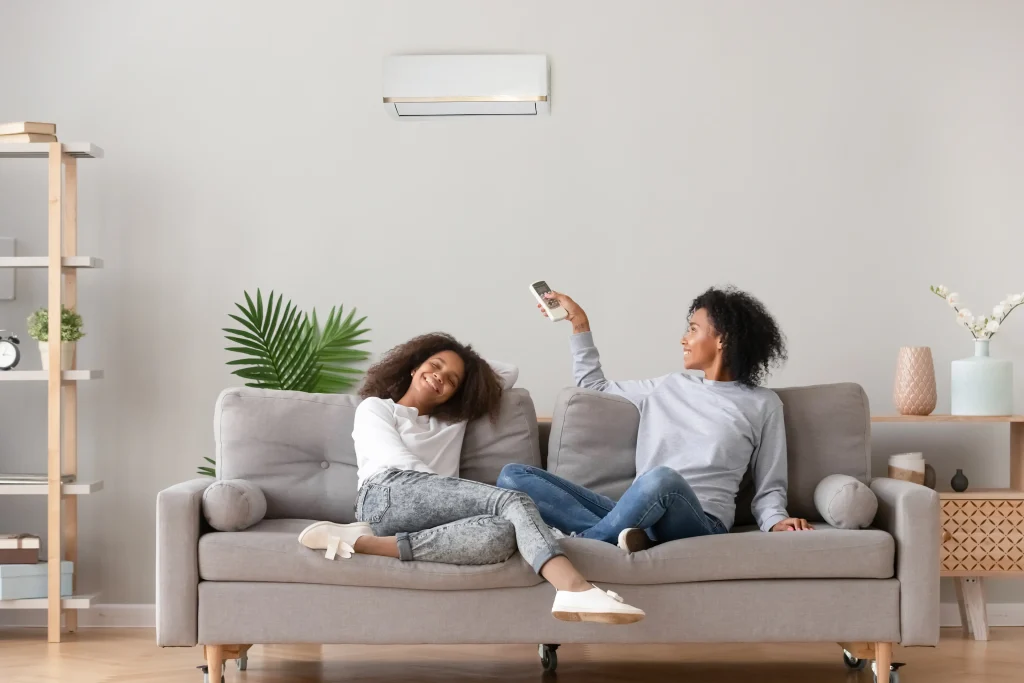
Spend five minutes finding the safety equipment on the property once you’re inside. Carbon monoxide and smoke detectors should come first. You can see where they are mounted by quickly scanning each floor visually. Inform your host immediately if you hear any chirping that indicates a low battery.
Next, locate a minimum of one fire extinguisher. They are typically kept in the kitchen in rentals. Verify that the pressure gauge is in the green zone. Walk around and find two ways out of the property while you’re at it. You want to be aware of your options without hesitation in an emergency.
More than 80% of visitors to holiday rentals never check the safety information before arriving. Taking three minutes to complete this now makes you stand out and ensures that everyone in your company is aware of where everything is. During your walkthrough, look for any shutoff valves or safety controls if the property has a gas grill.
Verify that the Property and the Listing Match
Take a tour of the property with your phone and the original listing open while everything is still new. Examine what you see in comparison to the pictures and the list of amenities. Verify that the primary features, bathroom placements, and bedroom counts correspond to what was promised.
Verify the sleeping arrangements and count the beds. Make sure you got the king bed in the main suite if that was mentioned in the listing. To make sure there is enough storage and that no goods are left behind by prior visitors, open closets and drawers. During your walkthrough, look for the cooking appliances and cookware listed in the listing; establishments such as Mt. Parnassus Inn have comprehensive listings of amenities.
Take timestamped pictures as soon as you notice inconsistencies, then use the app or booking channel to notify your host. Reporting missing amenities, damaged furnishings, or cleaning problems within the first hour makes them much easier to fix. Waiting until checkout allows for disagreements on whether the damage was caused by your group or pre-existing.
Test important appliances and systems
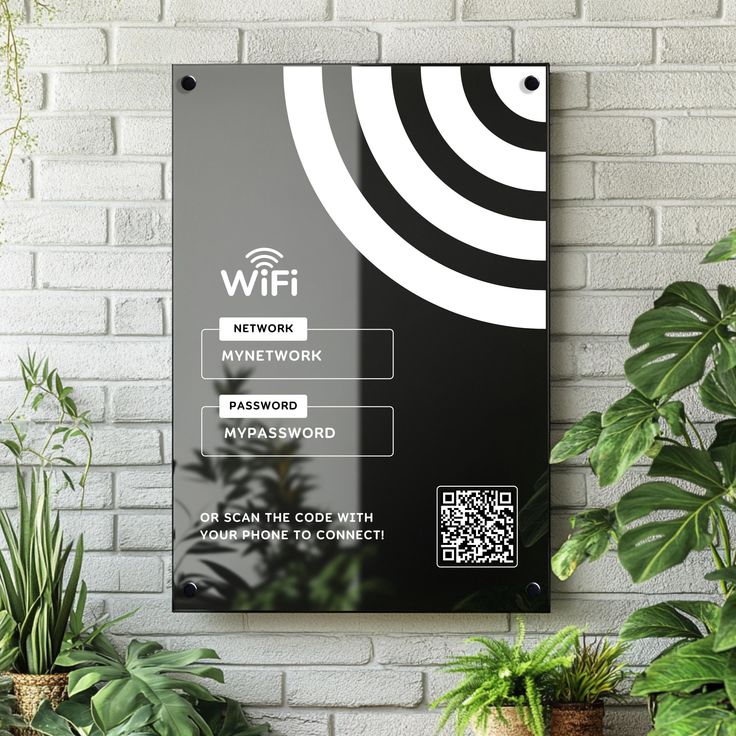
While you still have time to report issues, do a brief systems check after verifying the property layout. Establish a connection to the Wi-Fi network first. Your check-in instructions or a prominent location should contain the password. To evaluate speed, launch a browser and play a little video. Forty percent of visitors staying in short-term rentals reported having poor internet connectivity.
Next, listen for the AC system to activate after adjusting the thermostat a few degrees. Turn on the faucets in the bathroom and kitchen until the water is hot. This lets you know how long it takes and verifies that the water heater is working.
Make sure the refrigerator is cool and test at least one burner on the stove. Open the washer, dryer, and dishwasher if you intend to use them while visiting to make sure they are empty and seem to be working. If you identify problems early on, your host can send someone to solve them before they interfere with your plans.
Record the state of the property when you arrive.
During your walkthrough, spend a few minutes taking pictures of any pre-existing wear and tear. Pay attention to areas that frequently exhibit damage, such as the upholstery on couches and chairs, flooring near doors, furniture corners, walls near light switches, and counters. Take note of any scuffs, chips, stains, or scratches.
These images are automatically timestamped by your phone, establishing a record that demonstrates the damage existed before your arrival. Use the booking app to send them to your host, or store them in a special folder. At the time of booking, the majority of vacation rental firms require a refundable security deposit. After you depart, hosts inspect the property to make sure it is in the same condition as when you checked in. You’re depending solely on the host’s pre-arrival images, which might not catch every detail, if you don’t have any proof.
High-value things like TVs, artwork, and appliances should receive special attention. Take a picture of anything that appears to be broken or malfunctioning and report it right away.
Review House Rules and the local contact details.
Immediately open the house manual or property guidebook. While some hotels leave a physical binder in the living room or kitchen, the majority send a digital version via email or the booking app. Everything you need to know about the rules and peculiarities of the particular property is contained in this document.
Keep an eye out for quiet hours, which vary by neighborhood and local legislation but usually last from 10 PM to 8 AM. Take note of any applicable pet policies, visitor limits, and parking restrictions. Certain homes have stringent policies about designated smoking areas and garbage collection days. If you break these guidelines, you may be fined or have your stay terminated early.
Share the 24/7 support number with everyone in your organization and save it to your phone right away. 70% of how guests evaluate their experience is influenced by communication with your host. Knowing who to contact for urgent queries or after-hours crises reduces stress and prevents minor problems from ruining your trip.

Unpack Essentials and Claim Your Bedroom
If you’re vacationing with a group, organize bedroom allocations before anyone begins unpacking. Together, walk through the possibilities so that everyone can see them. Usually, the first pick goes to the person who made the reservation, after which it is determined by seniority or, for fairness, by drawing straws. Negotiations later on won’t be awkward if this is resolved in two minutes.
Unpack your necessities after rooms are reserved, such as toiletries in the restroom, phone chargers next to nightstands, and any necessary prescription drugs. To reduce wrinkles, hang up one garment for tomorrow. Complete unpacking should wait till you’re not in a rush.
To allow your party to freely travel through shared areas, keep bags out of walkways. The majority of vacation homes offer a closet or space beneath the beds. The property feels less like a hotel room in the middle of commotion and more like home when baggage is promptly removed from the floor.
Final Thoughts on Making the Best First Impression with Your Vacation Rental
Guests who are on vacation can be distinguished from those who have been rushing all week by what you do during the first thirty minutes of check-in. Testing the entrance, confirming amenities, and documenting the condition takes less time than one trip to the grocery store, but it protects your entire stay. Without having to deal with the chaos, your party can go straight to the exciting part. That’s the whole point of seeing a new place.
How early should I review my check-in instructions before arriving at my vacation rental?
Three days before your arrival, you will receive your check-in instructions, which you should examine as soon as you park to prevent confusion over access codes or incorrect entrances.
What safety equipment should I locate first when I arrive?
Locate at least one fire extinguisher, carbon monoxide alarms, and smoke detectors first. Then, find two ways out of the building so you know what to do in an emergency.
Why should I document the property condition when I first arrive?
Since hosts compare the state of the property at checkout to how it appeared at check-in, taking timestamped pictures of any pre-existing damage will shield you from being charged for wear and tear that existed before your stay.
When should I report problems I find during my arrival walkthrough?
Within the first hour, report any inconsistencies, missing amenities, or broken systems. By documenting problems early on rather than waiting until checkout, problems are considerably easier to fix.
What systems should I test during my first 30 minutes?
In order to report issues before they interfere with your plans, check that the refrigerator is cold, run faucets until the water becomes hot, check one stove burner, test the Wi-Fi connection, and set the thermostat to ensure the AC functions.